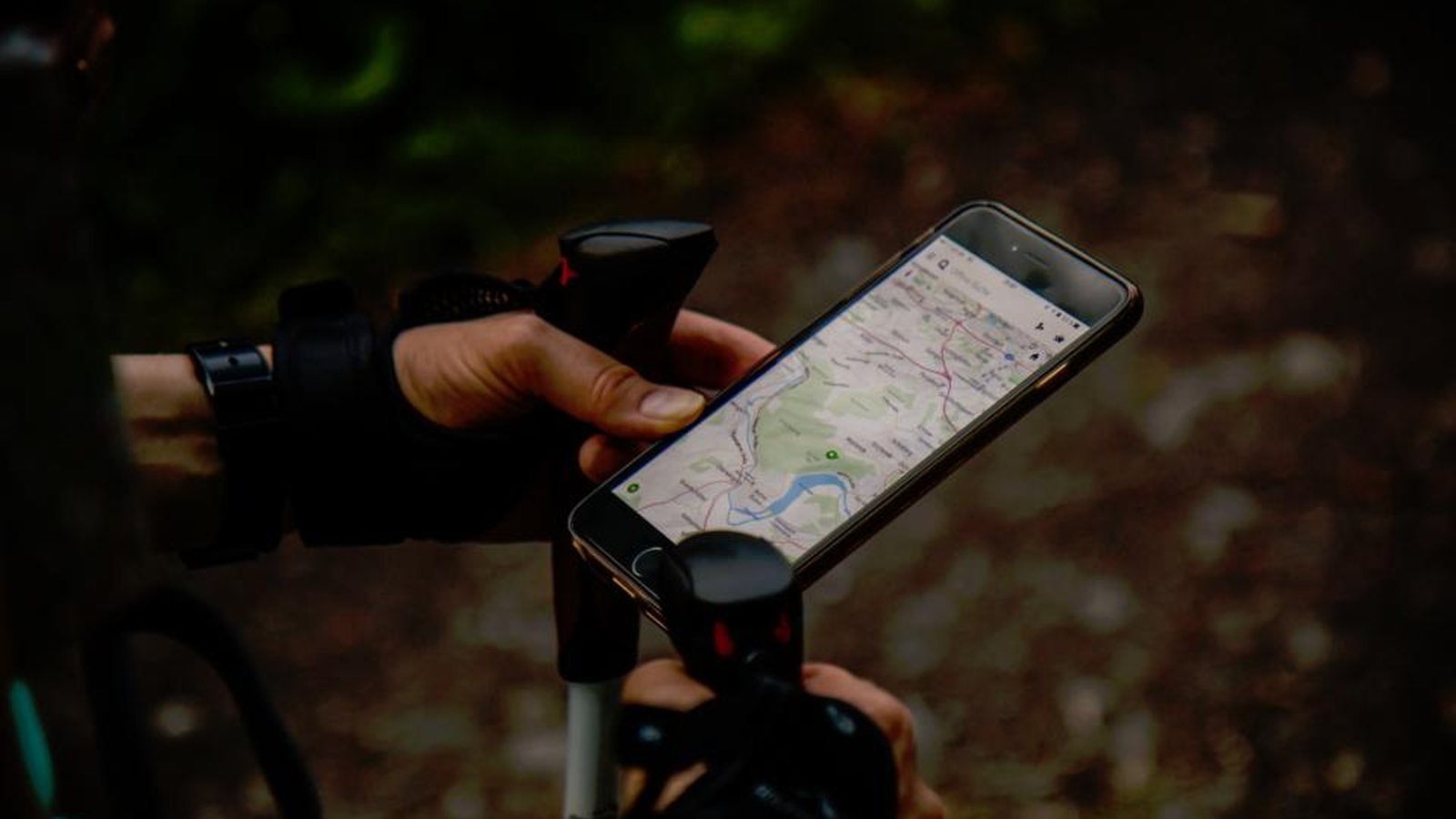
With an eSIM you have mobile internet the moment you arrive in Bali — handy for maps, Grab/Gojek, your trip plan and staying in touch. No physical SIM card needed; you activate it digitally.
Ready to plan?
Add it in the trip planner →MobiMatter is one of the best-value eSIM marketplaces: compare Indonesia data plans from several networks, buy in about a minute and install by QR code before you fly. Coverage across Bali is strong and topping up is easy.
Get a Bali eSIM at MobiMatter →An eSIM is a digital SIM card you buy and install before departure (via a QR code). On arrival you switch it on and have data straight away — without losing your home number. Your phone needs to support eSIM (most recent devices do).
For most travellers an eSIM is the handiest.
It takes about five minutes and is easiest to do at home on wifi: 1) check your phone supports eSIM (see below); 2) buy an Indonesia or Bali plan from a provider such as MobiMatter; 3) scan the QR code they email you to add the eSIM to your phone; 4) label it "Bali" and leave it switched off; 5) on arrival, turn the eSIM's data on, set it as your data line, and you're online. Keep your home SIM for calls and texts and switch its data roaming off.
For a typical trip of maps, Grab/Gojek, messaging and social media, about 1 GB per 3–4 days is a comfortable rule of thumb — roughly 5–10 GB for a two-week holiday. If you stream video, work remotely or hotspot a laptop, size up or choose an unlimited plan. Most eSIMs let you top up in the app if you run low, so there's no need to over-buy up front.
Most phones from the last few years do: iPhone XS/XR and newer, Google Pixel 3 and newer, and recent Samsung Galaxy S, Note, Z and A models. Older devices, a few region-specific models (some sold in China, Hong Kong and Japan) and many budget phones are still physical-SIM only. Check under Settings → Mobile data → Add eSIM, or search your exact model plus "eSIM", before you buy.